Database
Excloud Database provisions a managed database cluster: one primary node plus zero or more replicas, on Excloud-managed VMs, with monitoring and backups taken care of for you. The API lives at https://database.excloud.in.
There is no exc database CLI today — use the API directly, the
console, or Terraform when the resources land.
Console
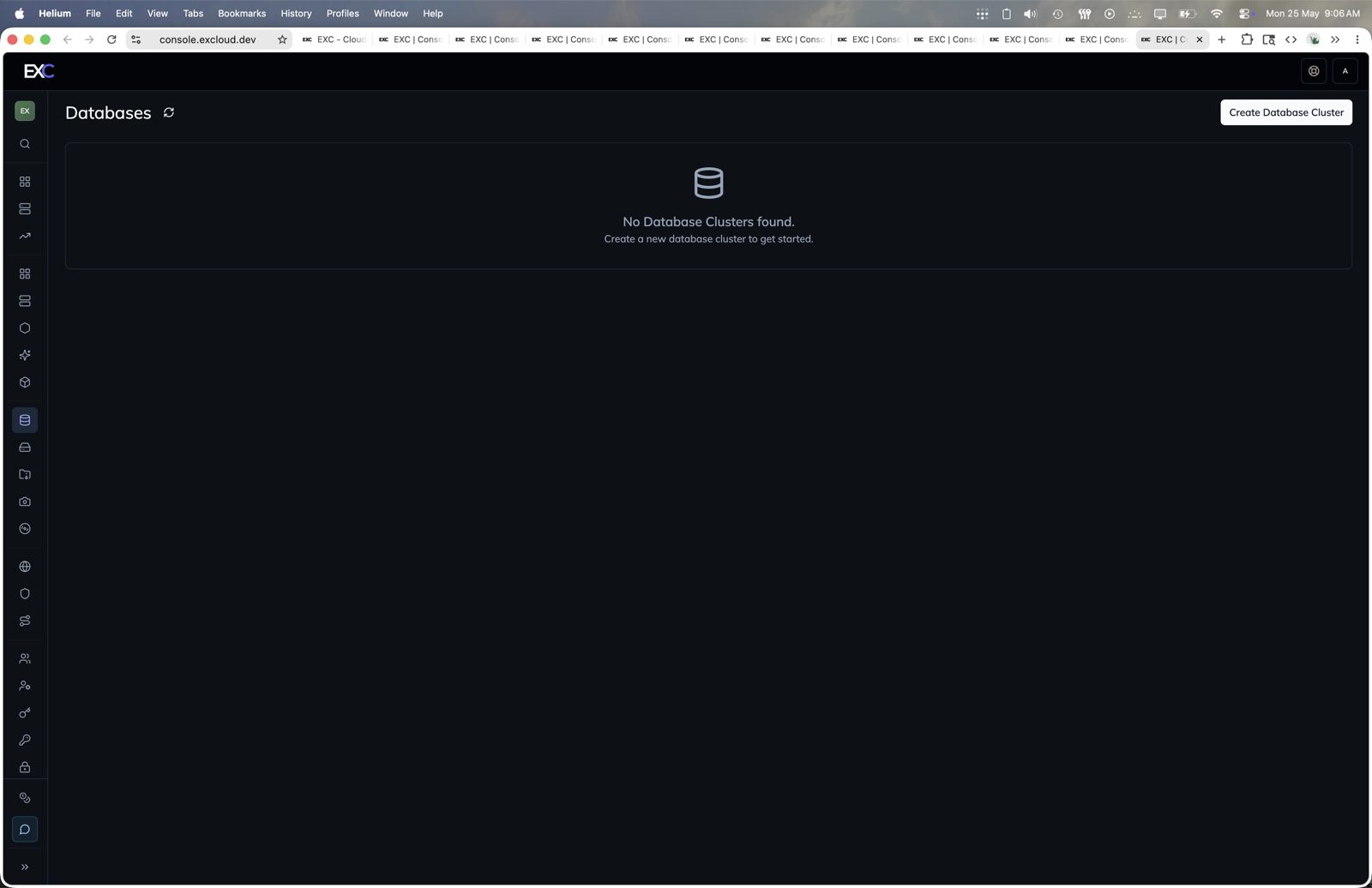
- Open console.excloud.dev/console/database.
- Click Create Database Cluster.
- Choose the cluster name, database image, instance type, subnet, zone, and public IPv4 setting.
- Save the generated connection credentials when the cluster is created.
In this section
| Page | Covers |
|---|---|
| Quickstart | Create a cluster and connect to it |
| Clusters | Cluster lifecycle, password rotation |
| Nodes | Adding, restarting, removing replicas |