Kubernetes
Excloud Kubernetes provisions a Kubernetes control plane on dedicated VMs in your org, gives you the admin kubeconfig, and lets you add worker nodes from regular
compute instance types. The control plane and workers run on real VMs you can see in exc compute list — there’s no hidden management layer.
What you get:
- A versioned, single-tenant control plane (one or three nodes).
- Worker nodes you scale with
exc k8s cluster worker add(any compute instance type). - An admin kubeconfig with full cluster privileges.
- A per-cluster OIDC issuer so pods can mint identity tokens for AWS-style workload identity.
What you manage yourself:
- Add-ons (CNI, ingress controller, cert-manager, observability stack).
- Workloads, namespaces, RBAC inside the cluster.
- Worker OS patching cadence (we provide images; you pick when to roll them).
Console
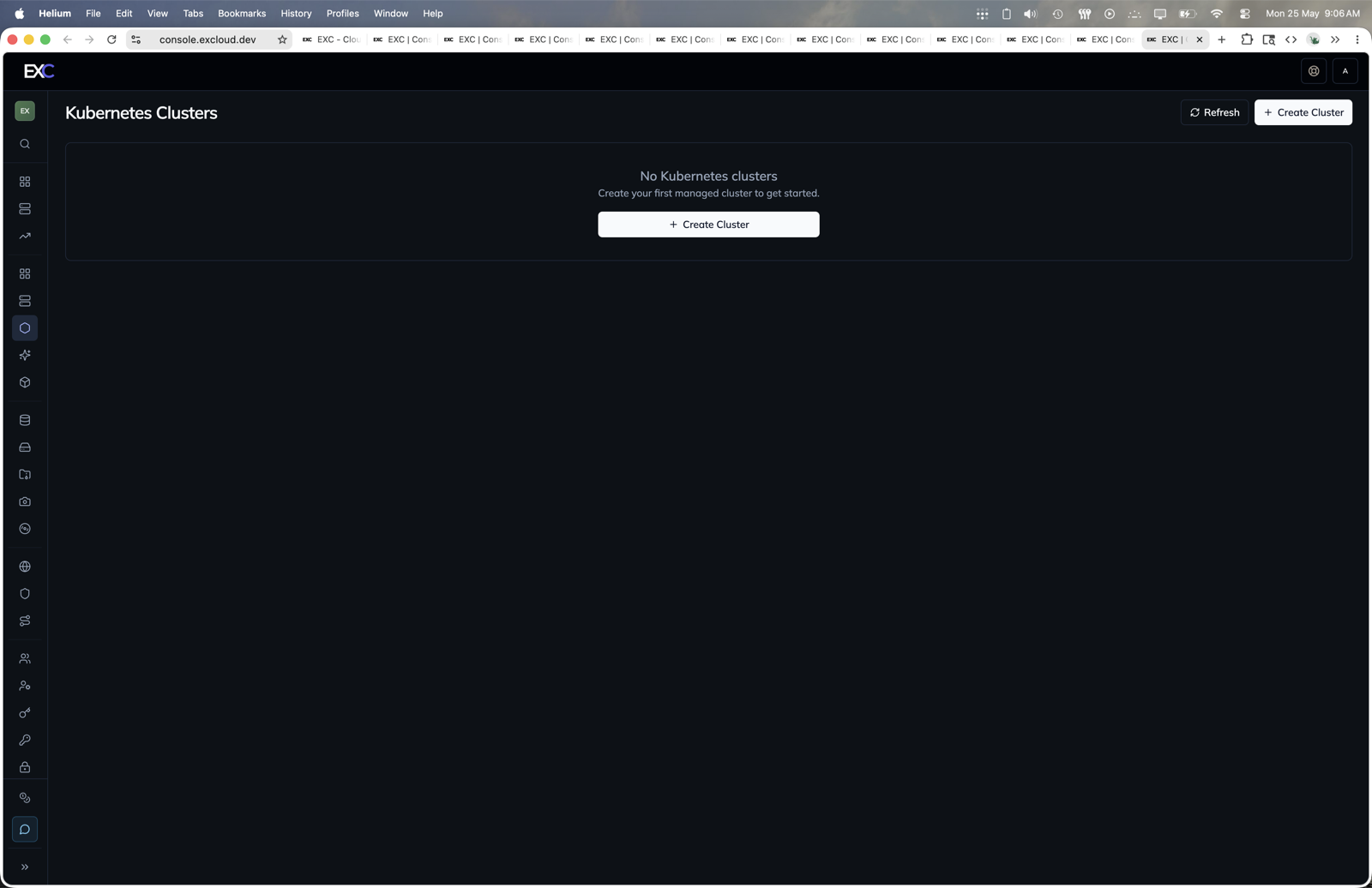
- Open console.excloud.dev/console/k8s.
- Click Create Cluster.
- After the cluster is ready, fetch kubeconfig and add workers from the cluster page.
In this section
| Page | Covers |
|---|---|
| Quickstart | Create a cluster, fetch kubeconfig, add a worker, run a pod |
| Workload Identity | Per-cluster OIDC issuer and how to wire it up |
CLI cheatsheet
# Cluster
exc k8s cluster create \
  --control_plane_image_id 1 \
  --control_plane_instance_type m1a.large \
  --subnet_id 1 \
  --ssh_pubkey my-key
exc k8s cluster list
exc k8s cluster kubeconfig get   --cluster_id 7 -o ~/.kube/excloud.yaml
exc k8s cluster kubeconfig merge --cluster_id 7        # into ~/.kube/config
exc k8s cluster delete           --cluster_id 7

# Workers
exc k8s cluster worker list   --cluster_id 7
exc k8s cluster worker create \
  --cluster_id 7 \
  --worker_name worker-1 \
  --worker_image_id 1 \
  --worker_instance_type m1a.xlarge \
  --subnet_id 1 \
  --ssh_pubkey my-key
exc k8s cluster worker delete --cluster_id 7 --worker_id 12

# Bootstrap bundles (advanced — for self-managed control planes)
exc k8s bootstrap controlplane ...
Versions & upgrades
The cluster’s Kubernetes version is determined by control_plane_image_id (control plane) and worker_image_id (workers) at create time. exc compute image list shows what’s available. Cluster upgrade in place (rolling control-plane + worker drain) is on the roadmap; for now plan to re-create with newer image IDs when you need to upgrade.
Managed add-ons (CNI, CSI, CCM) are pre-installed; you can replace them, but the defaults are tested.